05 / RESTORE
New device, reinstall and restore purchases
After replacing an iPhone / iPad or deleting the app, sign in with the original purchasing Apple ID, open App Store → Account → Purchased, find Shadowrocket and download it again. No second payment is needed. One purchase can be used on an iPhone and iPad signed in with the same Apple ID. The original iPhone / iPad price is a one-time $2.99; Mac, Windows, Android and Linux are free, and you can download the appropriate installer again for a replacement device.
If the new device still shows a purchase button, first check that the account under Media & Purchases matches the original purchasing account, then check your purchase history instead of paying again immediately. Store region, account status or compatibility with the current system can also affect whether the app appears; refer to the current App Store page for its specific message.
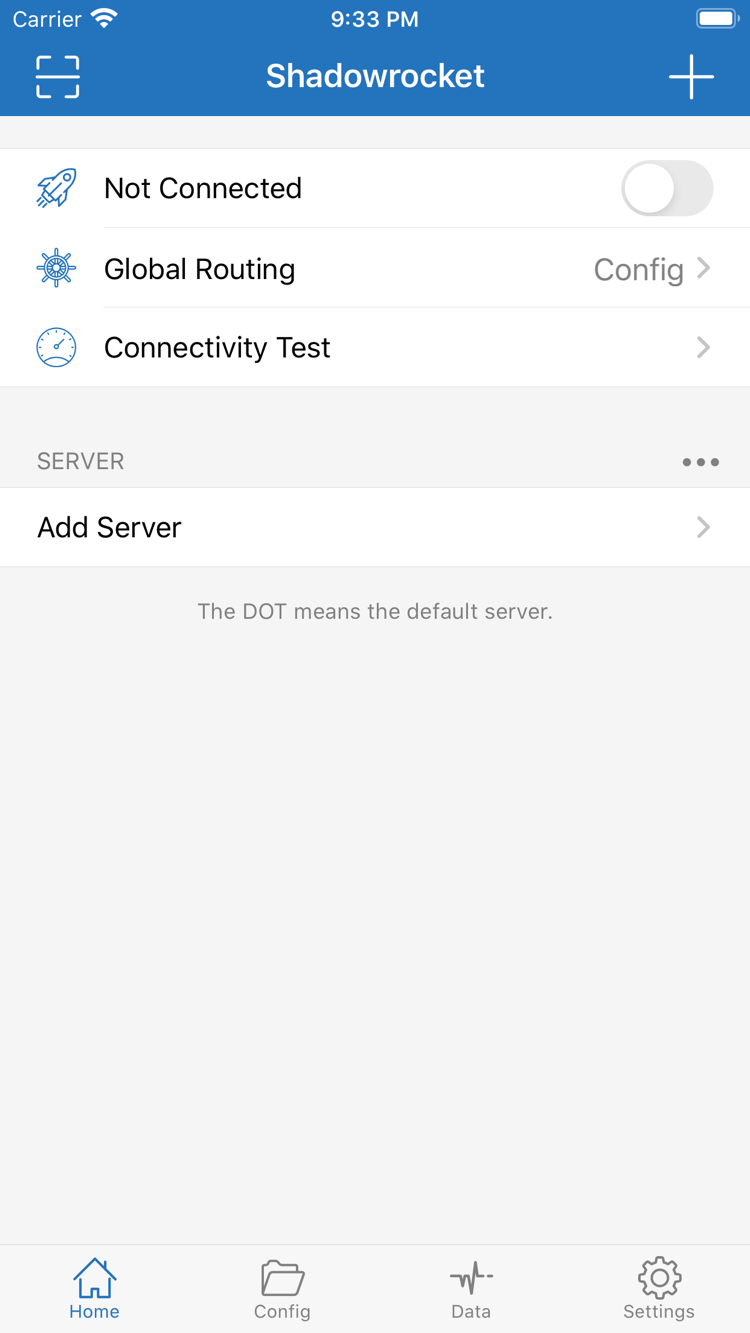
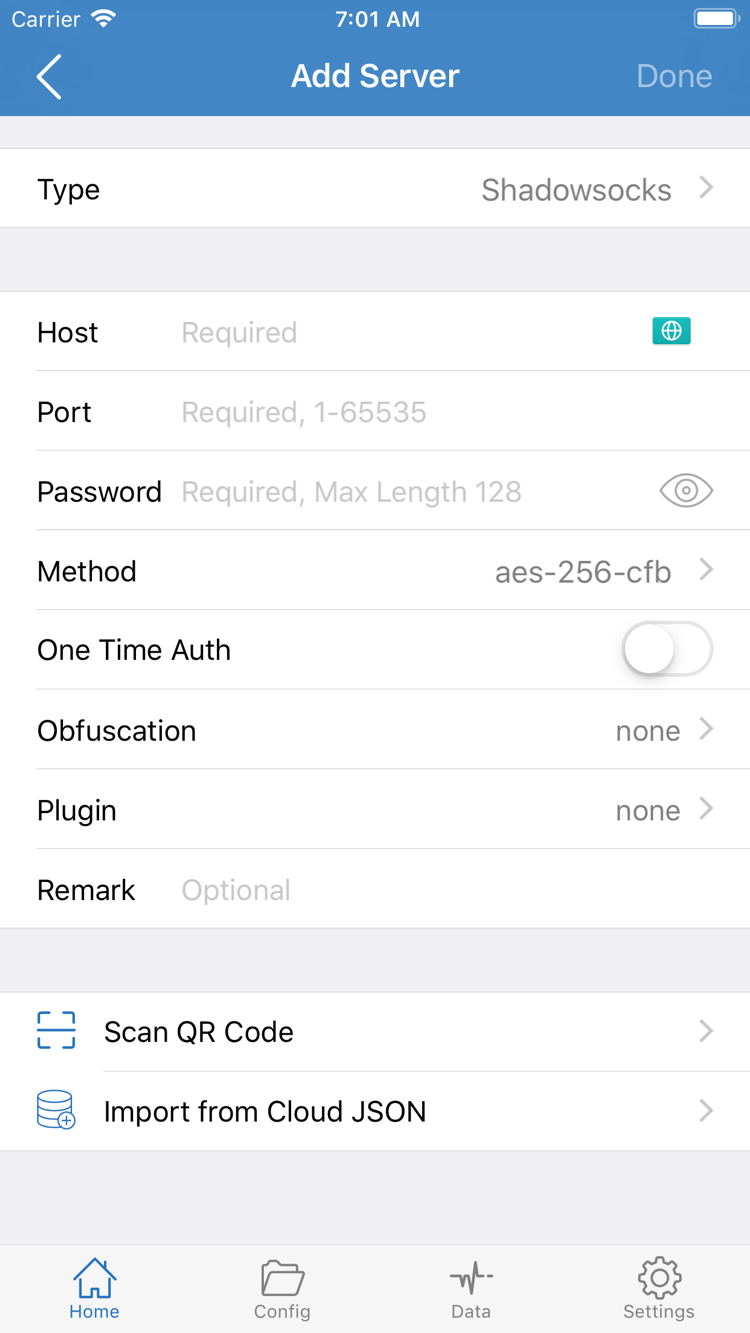
Restoring the app and restoring its configuration are separate tasks. Reinstalling the client does not guarantee that a provider subscription, manually added servers or custom rules will sync. Before switching devices, keep your own subscription link, server settings and configuration files safe. After installing on the new device, import the information you already have. Get subscription links from your service provider and do not share complete links containing access credentials publicly.
Update the iPhone / iPad version through the App Store; for Mac, Windows, Android and Linux, return to this page to download the corresponding installer again. Back up your configuration before updating or reinstalling, especially rules edited by hand and individually entered server settings. Do not confuse updating the app with clearing local settings.